
New DeviantArt Profile
 Author BradPosted on Categories Miscellaneous
 Last night, I decided I needed to create a DeviantArt portfolio, so today I did something about it. I have actually visited DeviantArt many times over the years, but I have never felt the need to create my own profile.
Last night while researching ways to sell art online, I discovered that DeviantArt has an option to list art for sale. Unlike other options I have considered in the past, I am actually familiar with DeviantArt so I decided it’s as good a place as any to get started. Of course, had I joined years ago, I would have more of an artistic network than I do now. Hindsight, right?
To make a long story short, I created my profile today and added some information about myself. I haven’t yet added any artwork to my portfolio, but I expect to start adding some of my old stuff shortly.
Check out my profile, and stay tuned as I add my artwork.
Wolf Illustrations
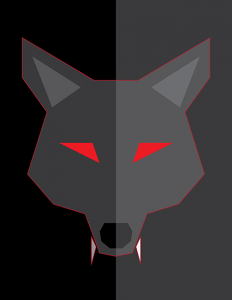
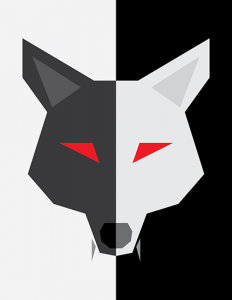
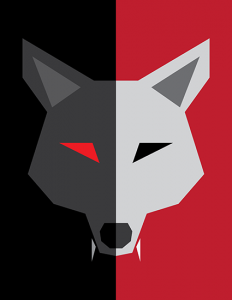
Author BradPosted on Categories Gaming, Illustration I’ve been working on some illustrations for a game idea that has been bouncing around in my head for a while. They’re pretty simple, but that’s kind of the look I’m going for.
I’m not sure if they’re final yet or if I want to play around with them more. I still need to decide which one I like best, but I thought I’d share them out for your viewing pleasure.
Free Treasure Tomb and Wolf In The Fold Computer Wallpaper
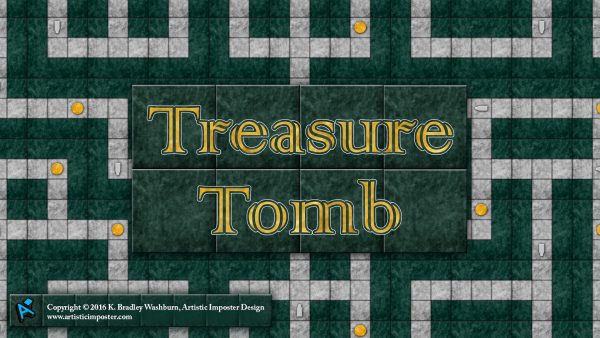
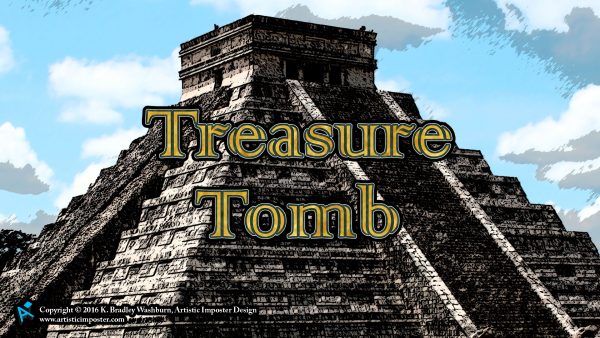
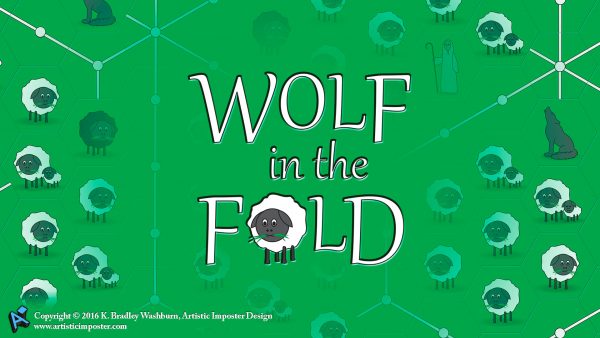
Author BradPosted on Categories Digital art, Gaming, Illustration, Miscellaneous Last week, I decided to repurpose the game art from Treasure Tomb and Wolf In The Fold and turn the art into computer wallpaper.
The wallpaper is now available from my Online Store in three sizes each: 1600×1200 pixels, 1920×1080 pixels, and 2560×1440 pixels. While there are many other screen sizes I could have created, these three sizes can be effectively scaled for use on either a 16:9 or 4:3 computer monitor. Users with 4:3 monitors will want to download the 1600×1200 file, while 16:9 users should choose from either of the other two sizes.
Visit my online store and download your free wallpaper now:
Florida Photoshop Training Workshops
Author BradPosted on Categories External Articles, Miscellaneous A couple of weeks ago, LearnKey sent me to Jacksonville, Florida, to help a group of teachers become certified in Adobe Photoshop CS6. I also had the opportunity in October to visit the same school district to train a different set of teachers in Photoshop CC. I had a great time, and I wrote a couple of articles about my training experience on the LearnKey blog:
October 22, 2015: Certification Training in Florida
Last week, I took a trip to Jacksonville, Florida, with LearnKey Sales Champion Scott Walker to train a group of teachers from Duval County Public Schools. The purpose of the three-day workshop was to help each teacher earn their Adobe Certified Associate certification in Photoshop CC. Most of the teachers hold certifications in previous versions of Photoshop, but had not been able to pass the CC certification test. Florida law requires that teachers be certified in the software they teach, so having a certification in a previous version is no longer enough.
When you use a piece of software on a near-daily basis, you come to think of yourself as an expert. The problem with this mentality is you fail to take into account that you are probably using the same tools day after day, never utilizing other features the software has to offer. You tend to forget how to use those features, and sometimes you even forget they exist. Our purpose was to re-introduce those features and help the teachers become comfortable enough to take the ACA exam.
January 28, 2016: Duval County Public Schools Photoshop CS6 Training
A couple of months ago, Scott Walker and I took a trip to Florida to help high school teachers in Duval County Public Schools to become ACA certified in Photoshop CC. Last week, we found ourselves back in Duval helping a group of forty-seven middle school teachers become ACA certified in Photoshop CS6. When we arrived at the school Tuesday morning, we were also asked to introduce them to the IC3 training. By the end of the week, all but seven teachers had passed the Photoshop ACA exam, with several also receiving their IC3 certifications.
Unlike the group we worked with in October, many of the teachers in our training last week had never used Photoshop before. In fact, most of them were not even CTE teachers! It was a new experience working with people who were unfamiliar with the software, and it gave me a greater appreciation for what these teachers must go through every year when they are given a new group of students.
Artistic Imposter Design Now Mobile-Friendly
Author BradPosted on Categories Web design By now, anyone who works in the web design industry should be familiar with terms like “mobile-friendly” and “responsive web design.” Well, I am proud to announce that Artistic Imposter Design is now both mobile-friendly and responsive!
While some companies create a separate set of pages for the mobile version of their site, others choose to use CSS media queries to add responsiveness to the design. While both approaches have merit, I believe media queries are the way to go. Using media queries allows the design of the pages to adjust based on the width of the device in use rather than having just two static designs.
About a month ago, I decided that as a web designer I should probably get with the times and I began redesigning my website in my spare time. Trying not to stray too far from my current design, I kept the color scheme, but rearranged the menu and added a couple of pages. I also wrote a new WordPress theme for my Creative Blog and Online Store, finally matching the design of the store to my website design.
Coming Soon . . . Two Treasure Tomb Expansions
Author BradPosted on Categories Gaming, Print 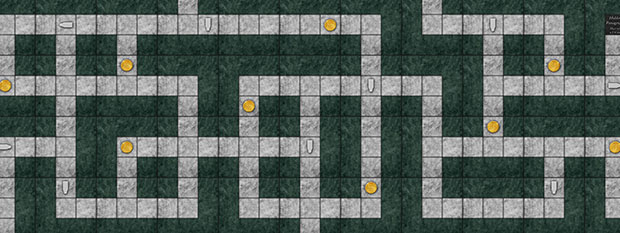
Four months ago, I released Treasure Tomb, a game of strategic tile-laying, dice-rolling, and card collecting. The game includes components for up to 4 players, allowing a small group to enjoy the wonders of the tomb.
Beginning October 1, 2015, you will be able to expand your games of Treasure Tomb to include up to 8 players! Add the new 5-6 Player Expansion to the basic game to play with 6 players, or expand even further with the new 7-8 Player Expansion!
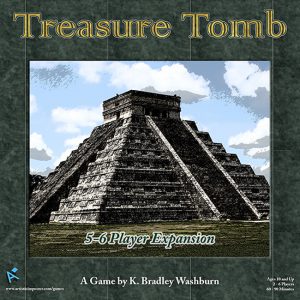
The Treasure Tomb 5-6 Player Expansion includes the following components to expand your game:
- 1 book of supplemental rules
- 2 game board extension pieces
- 48 tile cards
- 54 treasure cards
- 2 player pawns (meeples) in 2 colors (orange & purple)
Along with components for up to 6 players, this expansion also adds a new “Hieroglyphs” treasure card. The Hieroglyphs card allows a player to use a Hidden Passageway without attempting to roll a “1” on the die.
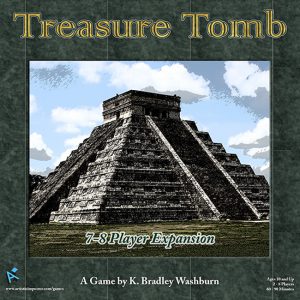
The Treasure Tomb 7-8 Player Expansion includes the following components to expand your game:
- 1 book of supplemental rules
- 3 game board extension pieces
- 24 tile cards
- 54 treasure cards
- 2 player pawns (meeples) in 2 colors (black & white)
- 1 mummy pawn (white)
Along with components for up to 8 players, this expansion adds a second mummy, a second Burial Chamber treasure card, and rules for two players to score a dual victory in the new Throne Room.
Order the Treasure Tomb 5-6 Player Expansion and 7-8 Player Expansion on The Game Crafter now, and watch for their official release on October 1!
“Treasure Tomb” – Evolution of a Game
Author BradPosted on Categories Gaming, Print
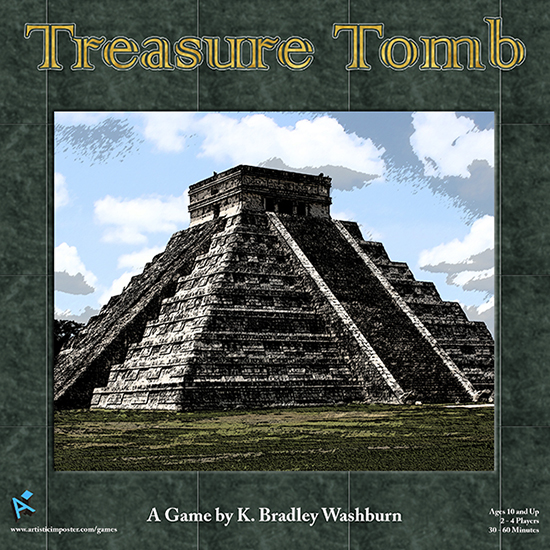
Over the past couple of months, I have been working on a board game, Treasure Tomb. Several design and rule changes later, Treasure Tomb is ready for final publishing and went on sale today at The Game Crafter.
Treasure Tomb is a game of strategic tile-laying, dice-rolling, and card collecting. Players lay tiles to construct pathways through the mummy’s tomb, drawing treasure cards each time they pass a treasure token. When a player lands on a sarcophagus token, the mummy enters the tomb, blocking treasure card icons. Treasure cards are either event cards or gold, and the first person to collect 50 gold wins the game.
Treasure Tomb actually started off many years ago as a much, much different game named Ziggurat. My first prototype was an 8.5″ x 8.5″ game board created in Microsoft Paint with Legos for game pieces. I was at the height of my Mesoamerican obsession phase, so the original idea was a Mesoamerican trivia game with the difficulty level of questions increasing as the players travel deeper into the pyramid. Each player had four stackable pieces, which moved in separate “lanes” from the other players. The goal of the game was to be the first player to get all four of your pieces stacked on top of each other on the finish space in the center of the pyramid.
Enter European board games and The Settlers of Catan.
In the early 2000s, I was introduced to The Settlers of Catan, which opened up a whole new world of board gaming. My borderline obsession with Catan soon led me to discover other European-style games like Ticket to Ride, Zooloretto, and Carcassonne. When I discovered The Game Crafter a few months ago while trying to make custom Catan tiles, the idea of Ziggurat resurfaced.
While I plan to go back and revisit at least some of the original game mechanics from Ziggurat some day, I decided to give the game a complete makeover. I wanted to create a tile-laying game similar to Catan, but with a build-as-you-go mechanic like Carcassonne. By the time I was finished, the end product had evolved into a cross between the original idea and the new idea, with some of the newer mechanics discarded. Those discarded mechanics soon evolved into an unrelated micro-game, my recently-released Wolf in the Fold.
Check out Treasure Tomb at The Game Crafter and get your copy today!
New “Wolf in the Fold” Microgame
Author BradPosted on Categories Gaming, Print 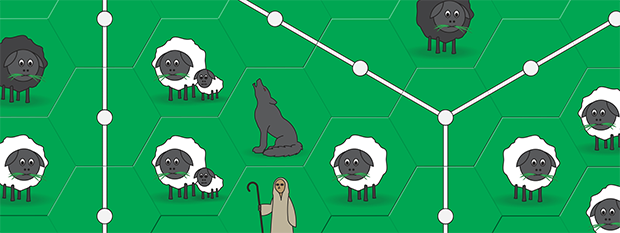
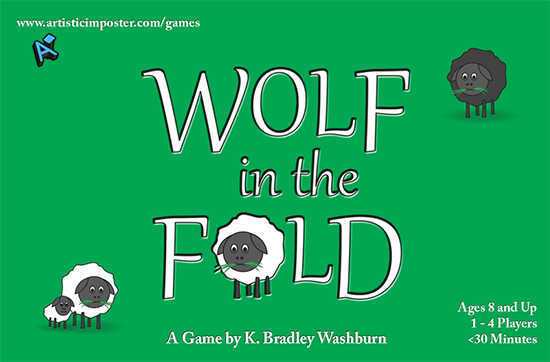
In March, I began working on a couple of concepts for games which I have had floating around in my head, and I am pleased to announce the first finished game went on sale today! Created from unused concepts from my upcoming Treasure Tomb board game, Wolf in the Fold is more of a microgame than a full game. The rules are simple and the playing time is short. Most test games have clocked in at around 15 minutes, although games could be longer if other players take a long time to consider their tile placements.
The game was originally inspired by the tile-laying game Carcassonne, in that I wanted to create a tile-laying game where the players build something. While working through my ideas, I ending up with Wolf in the Fold, a game of tile placement and player cooperation. Players build fences and hire shepherds to protect sheep from the wolves. Points are gained when sheep are fully-enclosed within fence tiles. Also included are rules for competitive play, where players compete to see who can enclose more sheep inside fences.
Although designated as for ages 8 and up, the rules are simple enough for younger players to understand. Care should be taken around younger children who may choke on the game tiles.
New Position at LearnKey
Author BradPosted on Categories Miscellaneous, Web design A couple of weeks ago, I was offered a new position at work. LearnKey‘s website administrator is leaving the company, so they asked if I would like to take over his job. My official title is Online Content and Social Media Manager.
I’ve spent the last couple of weeks working with the former website admin to learn all the little eccentricities of LearnKey’s website and on Monday I go solo. We’re in the middle of a major site-wide redesign, so I will have plenty of time to become intimately familiar with our website and processes.
I’m still going to be responsible for creating mobile content for LearnKey, but along with the website I am also now partially responsible for LearnKey’s social media accounts like Facebook, Twitter, and YouTube.
I’m really excited about this new opportunity and the chance to work with some people who have been little more than names and faces to me up until now.
New Online Store
Author BradPosted on Categories Miscellaneous Those who have visited Artistic Imposter Design in the past week may have noticed a little something new – my online store.
While working with ebooks over the last couple of months, I discovered an extension for WordPress that creates an online store. Products can be either digital or physical, and all payments go through PayPal, so I don’t have to deal with credit cards or money transfers.
Since I’m just starting my online store, there are only a few products available. Right now, I’m only offering downloadable products – my ebooks and my fonts – but eventually I would like to expand into printed versions of some of my artwork.